
Back office integration
Describes how to use the backoffice integration
Upload your pickup point information
For Click & Collect orders, you can upload your pickup point information directly from the Shipup back office. This information is used to associate each order with the correct collection location and display relevant store details in your notifications and tracking pages.
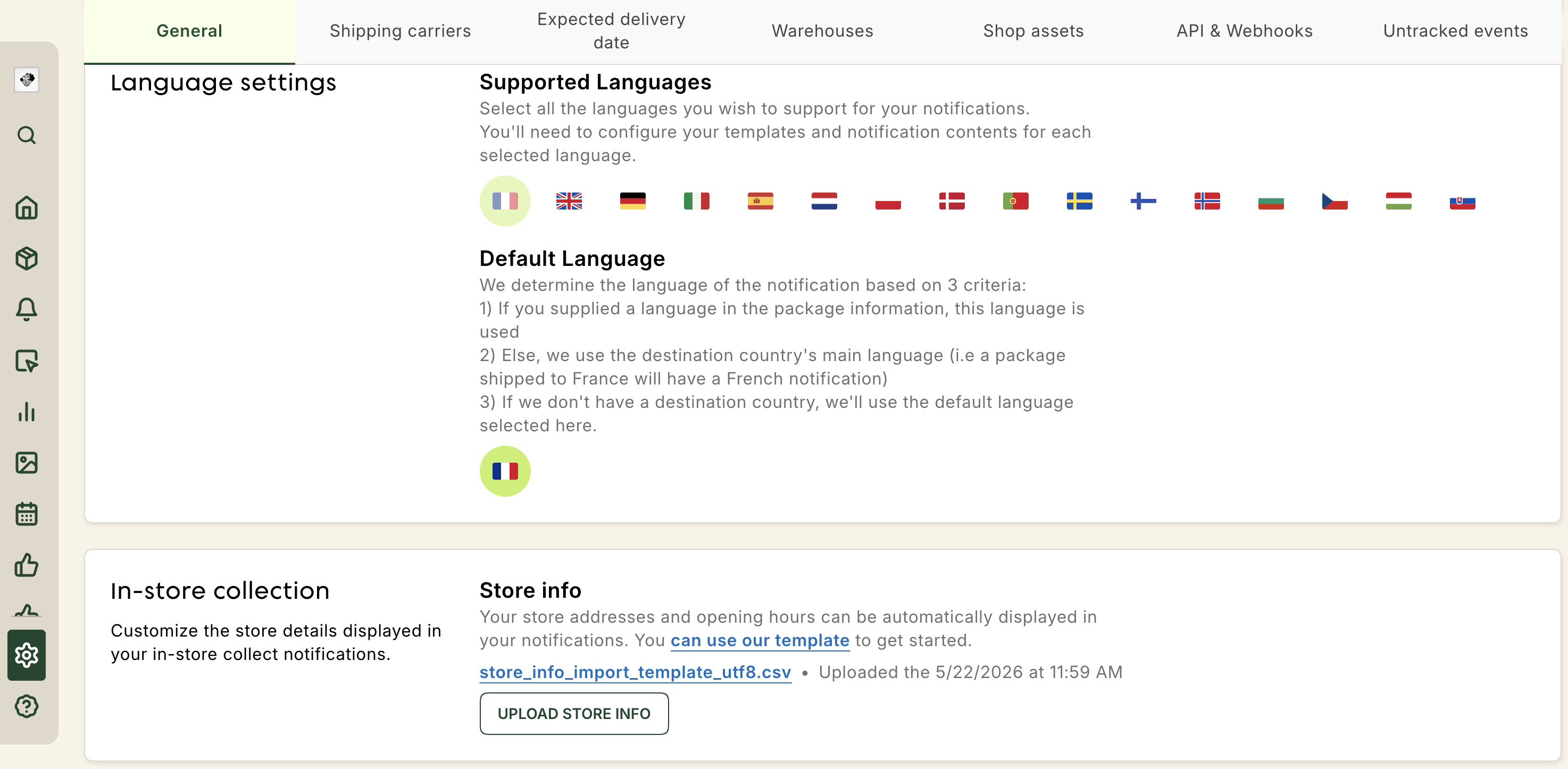
1. Go to your In-store collection settings
In the Shipup back office, go to Settings → Advanced → General, then scroll down to the In-store collection section.
Open In-store collection settings
2. Prepare your store information
Follow instructions on section File configuration
If your upload fails
If Shipup cannot process the file, an error will be displayed in the Store info section.
Check that you are using the provided template and that your file follows the formatting and validation rules above before uploading it again.
If the issue persists, contact your Shipup support team for assistance.
Updated 2 months ago